Description
This is a video tutorial that requires our In the Hoop Designer Software and a Brother ScanNCut to complete
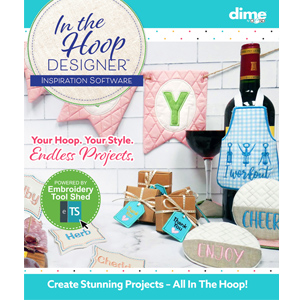
The software can be purchased on our website HERE
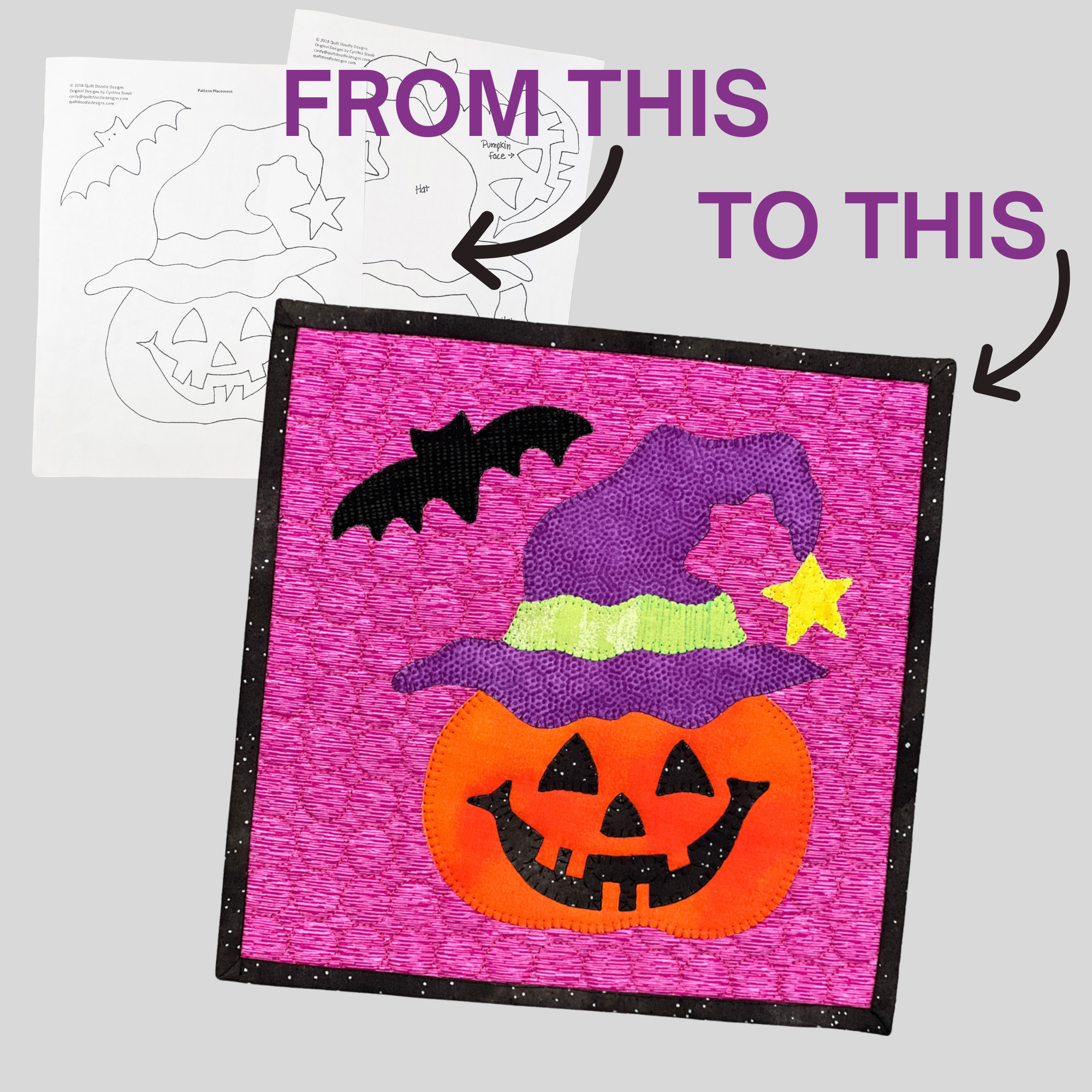
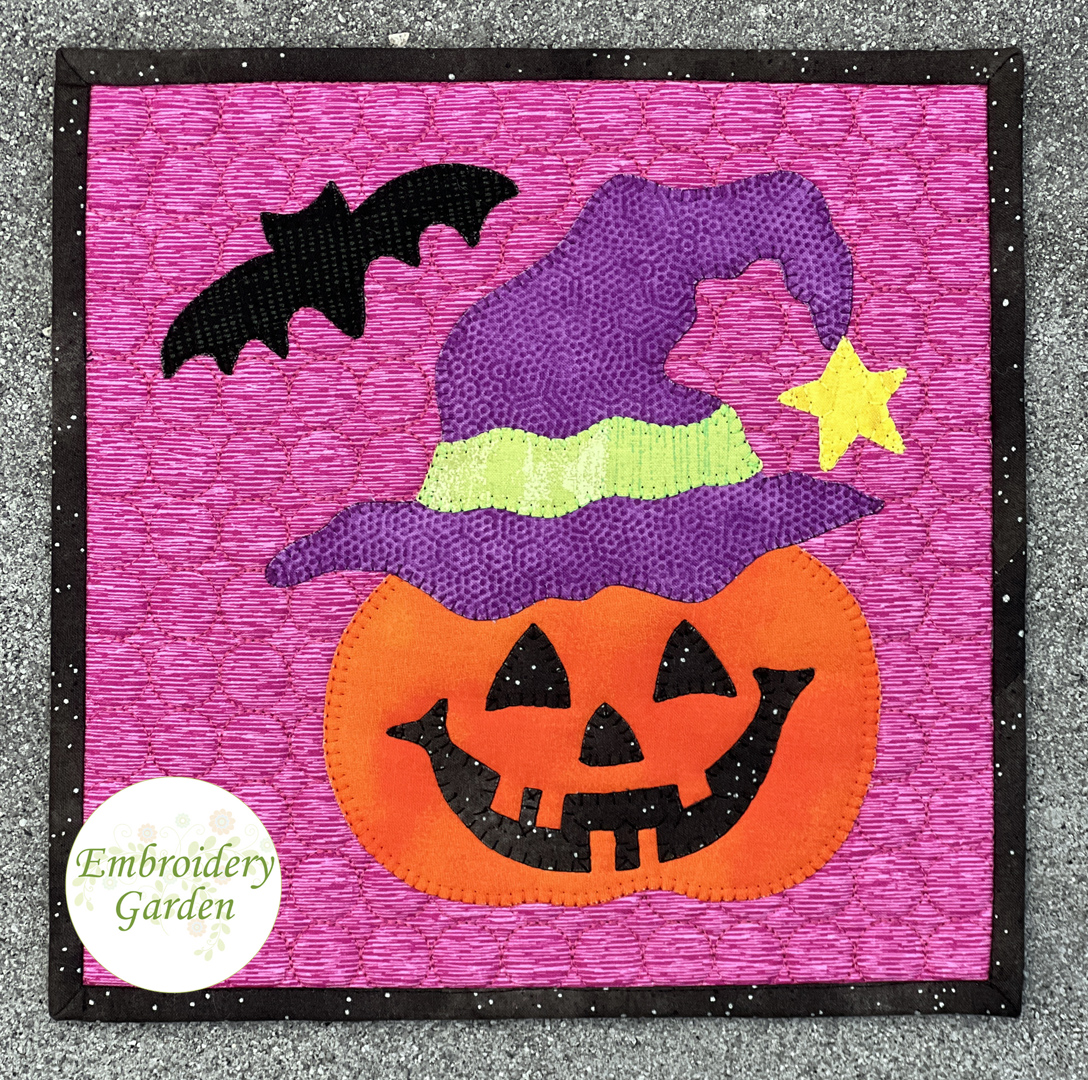
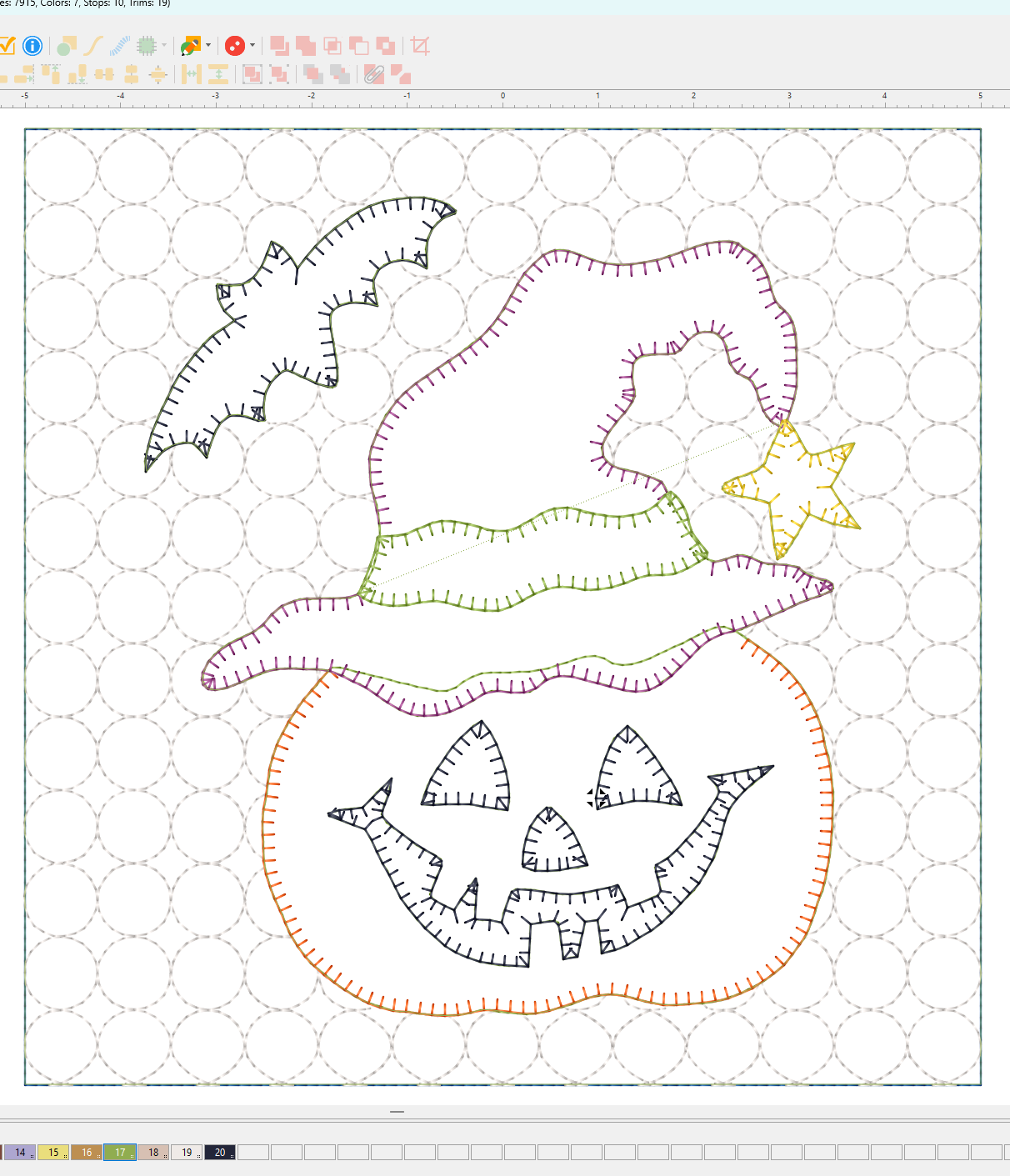
Reen of Embroidery Garden shows you how to create an applique machine embroidery file from a sewing pattern using our new In the Hoop Designer Software. It’s so easy!
The 6 included videos show the following steps:
How to use a ScanNCut to scan and create the needed file formats of the printed sewing pattern
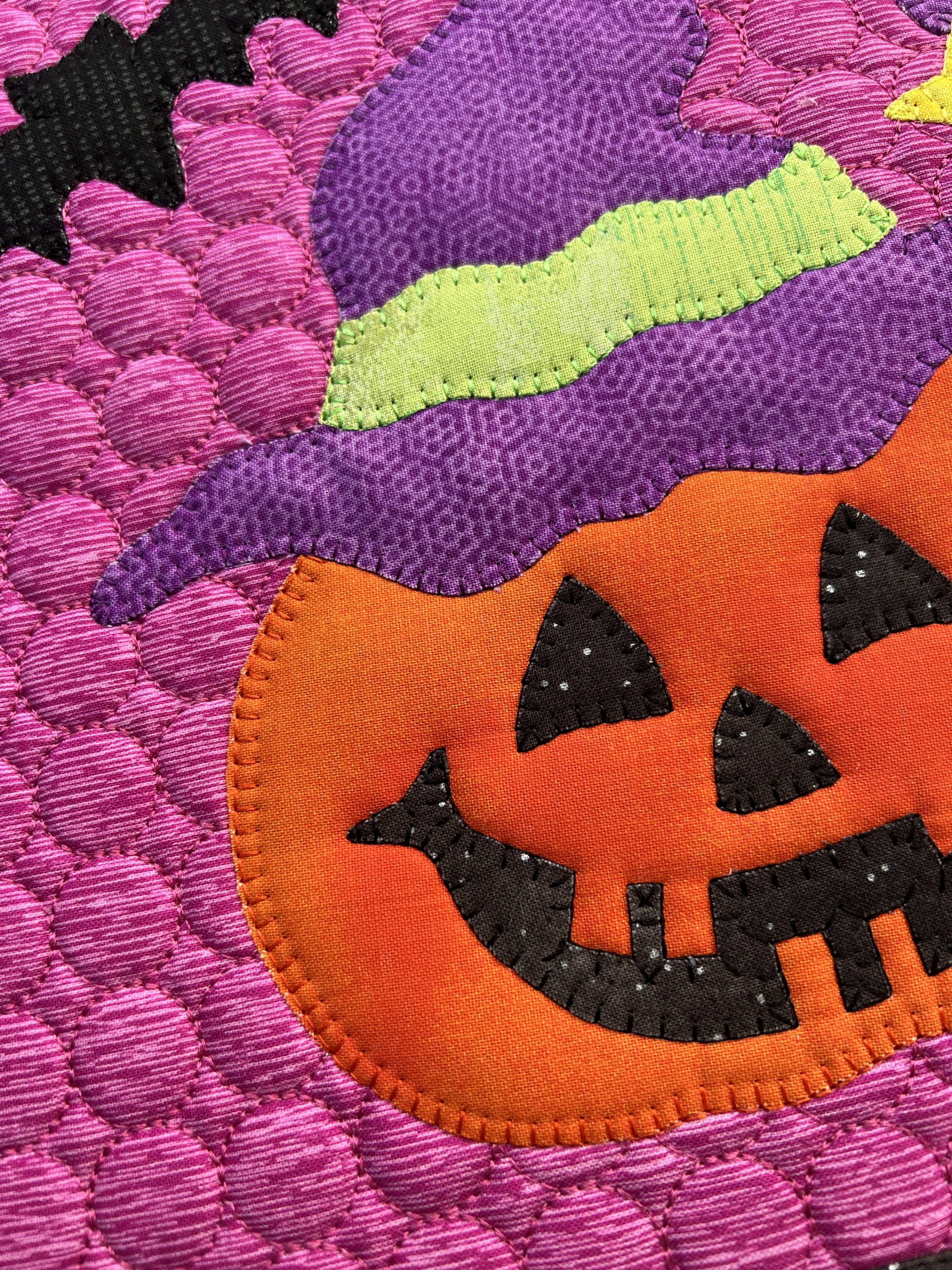
How to create the embroidery file in the software that uses a blanket stitch to finish the appliques
How to generate SVG files from the software to perfectly fit the placement guides
How to cut the fabric applique pieces on a ScanNCut
How to create a quilted block with the applique file
How to stitch out the file
The sewing pattern demonstrated in this video course is not included. It is from Quilt Doodle Designs on Etsy and is used with their permission. Just about any applique sewing pattern can be turned in a machine embroidery file following the steps outlined in this course.
No embroidery files are included as you will create your own using the software. There are no refunds on this video course.
Video courses stay in your order history. You can watch them over and over. You must be logged into the site to view your purchased courses.
Update:
An addendum video showing how to bypass using a ScanNCut is available HERE