Description
Please read the entire page for download and serial number (key) instructions for this software
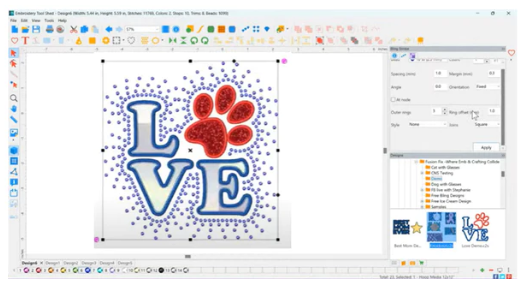
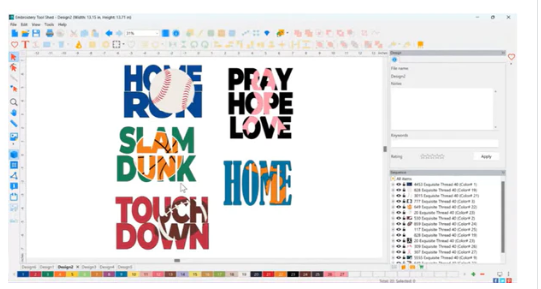
Cut ‘N Stitch brings machine embroidery and digital cutting together, making it easy to create eye-catching projects with fabric, heat transfer vinyl, and rhinestones. Turn embroidery designs into cut files for perfect fabric or vinyl appliqués, design custom rhinestone templates in seconds, and convert images with powerful vectorization tools. Now you can stitch, cut, and bling your way to show-stopping creations – and save in every format you need.
Specialty Features
- Bling a stroke, fill, or single set
- Export a bling pattern to a digital cut file
- Cutter tool – generate cut files for digital cutters
- Applique & applique fill patterns
- Vinyl Applique – add specialty trapping stitches for HTV
Design Features
- Design on a path
- Import/export artwork
- Includes 1800+ artwork files
- Load backdrops
- Trim, weld, intersect, subtract, exclude, knockout and morph
- Saves to all popular embroidery and cut file formats
Editing Features
- Undo/redo
- Resize with stitch regeneration
- Copy/paste/merge
- Group/ungroup
- Rotate/mirror
View Features
- Print full-size templates
- Virtual design redraw
- Zoom/pan with realistic viewing options
- Gridlines & guidelines
- View stitch ends and commands
Minimum System Requirements:
PC
-
-
- Windows 10
- Processor: 1 gigahertz (GHz) or faster or SoC.
- RAM: 2 GB (64-bit)
- Free hard disk space: 16 GB.
- Graphics: DirectX 9 or later with WDDM 1.0 driver.
- Display: 800 x 600
-
Mac
-
-
- MacOS version 13.6.5 (Ventura)
- Processor: Intel Core i5 Dual-Core or Apple M1/M2
- Memory: 8 GB
- Hard Disk: 500 GB
-
After Purchase Download Info
This software is a digital delivery item.
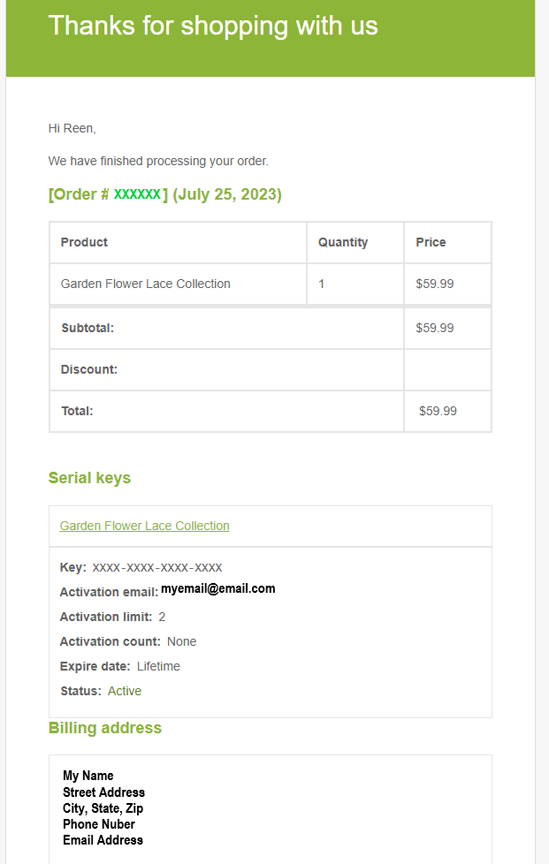
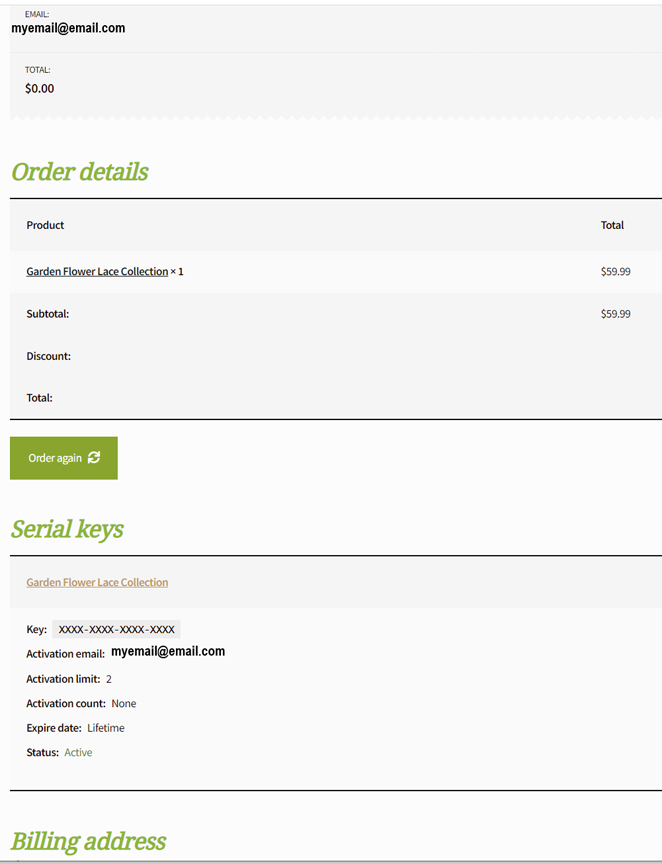
After purchasing you will see a 16 digit serial number (KEY) on the order page. You will also receive the serial number (KEY) in the order confirmation email you receive. Check your spam and junk folders for this email. A sample of the order confirmation page and an email you will receive are shown in the sample gallery photos above. Nothing will be shipped to you.
To install the software, you need to download DIME by OESD’s Embroidery Tool Shed (ETS) and activate the software using your serial number (KEY) from within ETS.
CLICK HERE FOR INSTRUCTIONS
Your 16 digit serial number (KEY) must be used to activate the software.
We are an authorized retailer of this software.